
Obsidian
This page gathers the tools and experiments I have built around Obsidian. I use it extensively: as a knowledge base, personal journal, life-metrics workspace, and extended context layer for my personal AI assistant.
The center of the system is still plain text. Obsidian fits that philosophy well, but I also value it as a programmable workspace: local files underneath, a flexible plugin layer on top, and enough surface area to shape the tool around the way I actually think and work.
That feels especially useful now that software agents can help with small, personal pieces of infrastructure. A plugin does not have to begin as a product idea. It can start as a missing affordance in one vault, become a tool I rely on, and then be published if it seems useful beyond my own setup.
Obsidian plugins
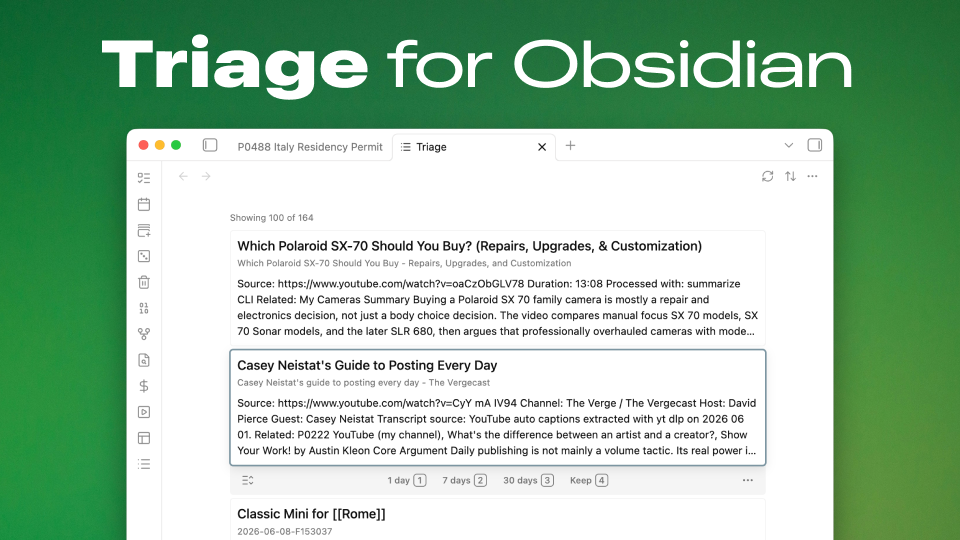
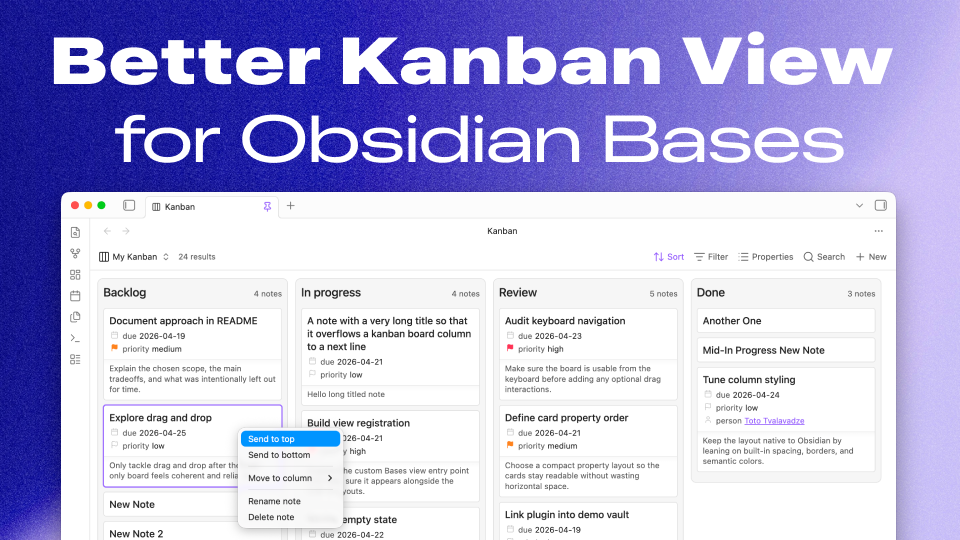
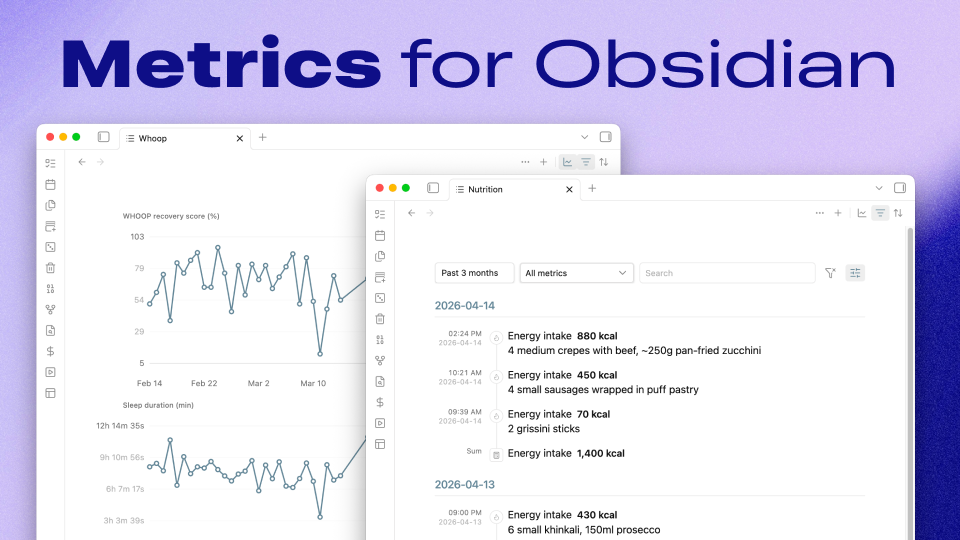
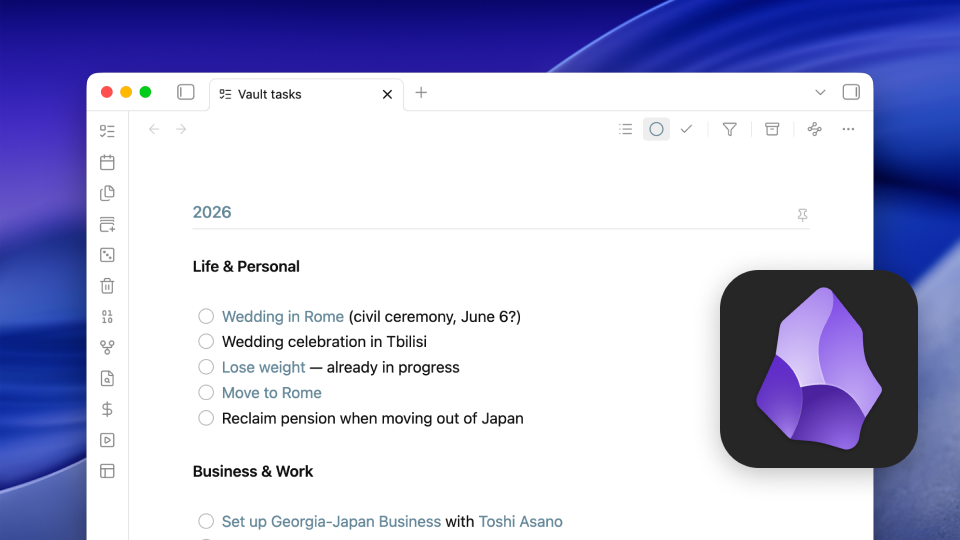
Plaintext Task is an alternative Obsidian implementation for plaintext tasks, with a more centralized model than Vault Tasks.
Published community plugins are collected on my Obsidian Community profile.
Vault tools
Data that belongs in the vault
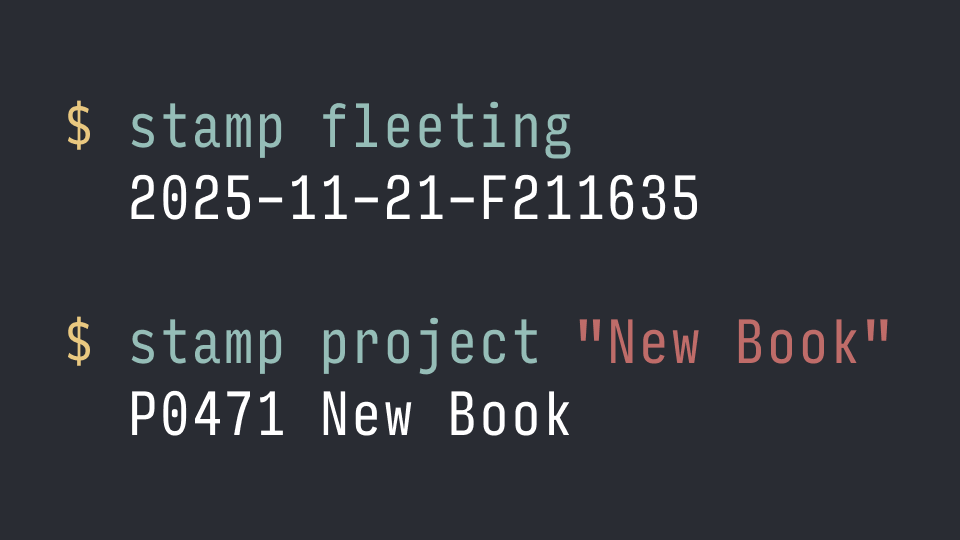
Some of the Obsidian work is about making non-prose records feel at home beside notes:


Those command-line tools are not Obsidian plugins, but they produce the kind of plain, scriptable data that can be summarized, charted, and cross-referenced from the same corpus.
My setup
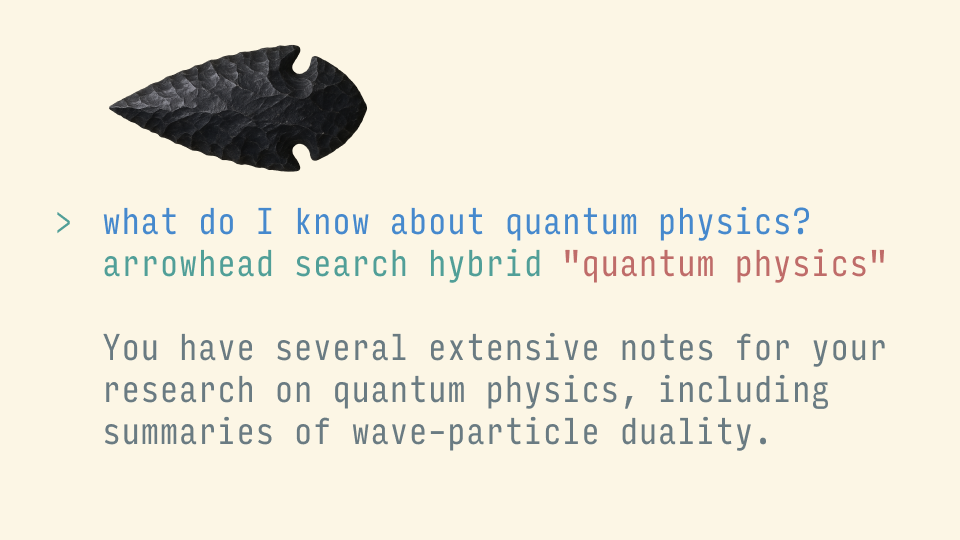
Obsidian, with Sync, is the main human access point to the corpus. Codex, Claude Code, OpenClaw, and other local agents use Arrowhead and shell tools to make the same vault more searchable and discoverable from their side. The goal is to use the Obsidian vault as both my knowledge base and an extended context layer for agents, while keeping Obsidian as the interface I use directly.
My November 2025 plugin stack is documented in the Arrowhead setup notes. It includes core navigation and linking tools, cleanup utilities, Quick Switcher++, media transcript helpers, and my own Metrics plugin for structured records.
Development log
- April 2025 records an early note-search idea that might become either an Obsidian plugin or a native app.
- June 2025 covers the first useful MCP server version working with Claude and the Obsidian vault.
- July 2025 notes the note-search work becoming Obsidian-compatible.
- August 2025 marks the pivot toward an Obsidian companion app.
- September 2025 describes the combination of Claude Code, Obsidian, and local vault tooling as a file-based note-taking system.
- October 2025 introduces Arrowhead CLI as an Obsidian-aware search and discovery layer.
- April 2026 collects the first public Obsidian plugins in this direction: Vault Tasks, Plaintext Task, and Metrics.
Where this is going
I am interested in Obsidian as a stable, local, human-scale surface for a broader plain-text workspace, but also as a kind of malleable software: an environment that can be reshaped through small plugins and command-line tools. The plugins here begin with my own needs first. The command-line tools do indexing, capture, naming, and data import around the same files; they also give AI agents running through harnesses like Codex or Claude Code a practical way to read and manipulate the corpus. Together they form a system where notes, tasks, metrics, transcripts, and paper scans can stay in one inspectable corpus without depending on a single app to understand everything.